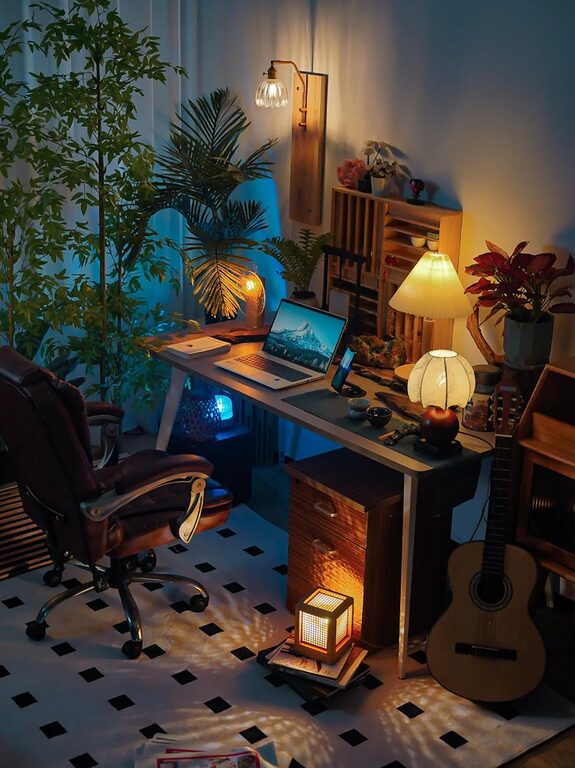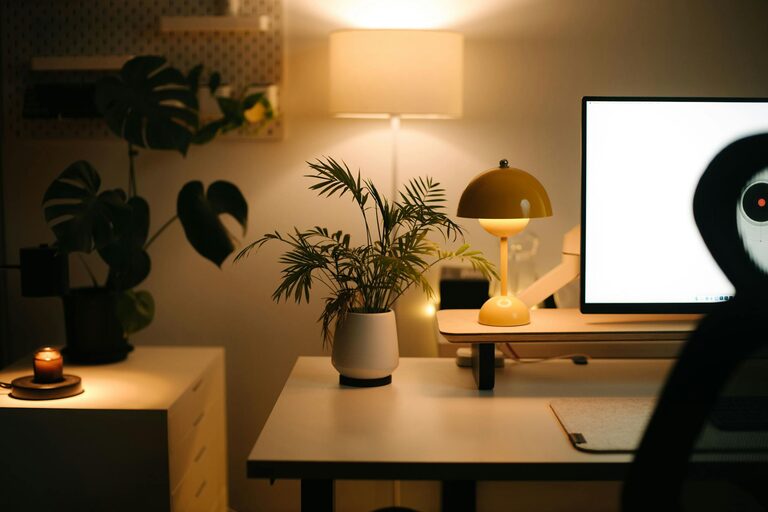

Creating a home office that feels welcoming and helps you stay productive can be a game-changer for your daily work routine. Whether you work remotely full-time or need a dedicated space for occasional tasks, designing a cozy and functional workspace supports focus and well-being. Here are some helpful tips to guide you in setting up a home office that balances comfort and efficiency.
1. Choose the Right Location
Start by selecting a spot in your home that lends itself well to work. Ideally, this area should be quiet and free from frequent distractions. If possible, use a separate room to create a clear boundary between work and personal life. If space is limited, designate a specific corner or nook where you can focus without interruption.
2. Invest in Comfortable Furniture
Comfort is key for long hours spent at your desk. Choose an ergonomic chair that supports your posture and reduces strain on your back and neck. Pair it with a desk at the right height to prevent fatigue in your wrists and shoulders. Adjustable furniture pieces can help you customize your setup to suit your needs.
3. Optimize Lighting
Good lighting reduces eye strain and improves mood. Maximise natural light by positioning your desk near a window. If this isn’t possible, use bright, soft lighting that mimics daylight. Consider an adjustable desk lamp to illuminate your work area precisely without harsh shadows or glare.
4. Declutter and Organize
A tidy workspace promotes focus and reduces stress. Use storage solutions like shelves, drawers, and organizers to keep essentials neat and accessible. Regularly clear your desk of unnecessary items and implement a filing system for papers. Digital tools like task managers can also help keep your work organised.
5. Personalize Your Space
Adding personal touches makes your office feel inviting. Display photos, artwork, or plants that lift your spirits during the workday. Choose colors and decorations that inspire creativity and calm. Remember to keep décor balanced so it enhances focus without becoming a distraction.
6. Manage Noise Levels
Noise can disrupt concentration. Use noise-cancelling headphones or play soft background music if this helps you focus. You can also add sound-absorbing elements such as rugs, curtains, or acoustic panels to minimize echo and outside noise.
7. Prioritize Technology Setup
A smooth tech setup is vital for productivity. Ensure your computer, printer, and other devices are reliable and positioned comfortably. Use a good-quality headset or speakers for virtual meetings. Organise cables with clips or ties to keep your desk clutter-free and safe.
8. Incorporate Break Zones
If space allows, create a small area for breaks to help recharge. This could be a comfortable chair or a meditation corner. Taking short breaks away from your desk supports mental clarity and reduces fatigue.
9. Maintain Air Quality and Temperature
Fresh air and comfortable temperatures affect concentration. Open windows when possible or use an air purifier. Keep your office well-ventilated and at a moderate temperature to stay comfortable throughout the day.
10. Establish a Daily Routine
Lastly, setting consistent work hours and rituals helps your mind switch into productive mode. Define clear start and end times, schedule breaks, and set priorities for your tasks. A routine fosters discipline and prevents burnout.
—
By following these tips, you can create a home office that is both cozy and designed for productivity. A thoughtfully arranged workspace not only enhances your focus but also makes working from home a more enjoyable experience.